
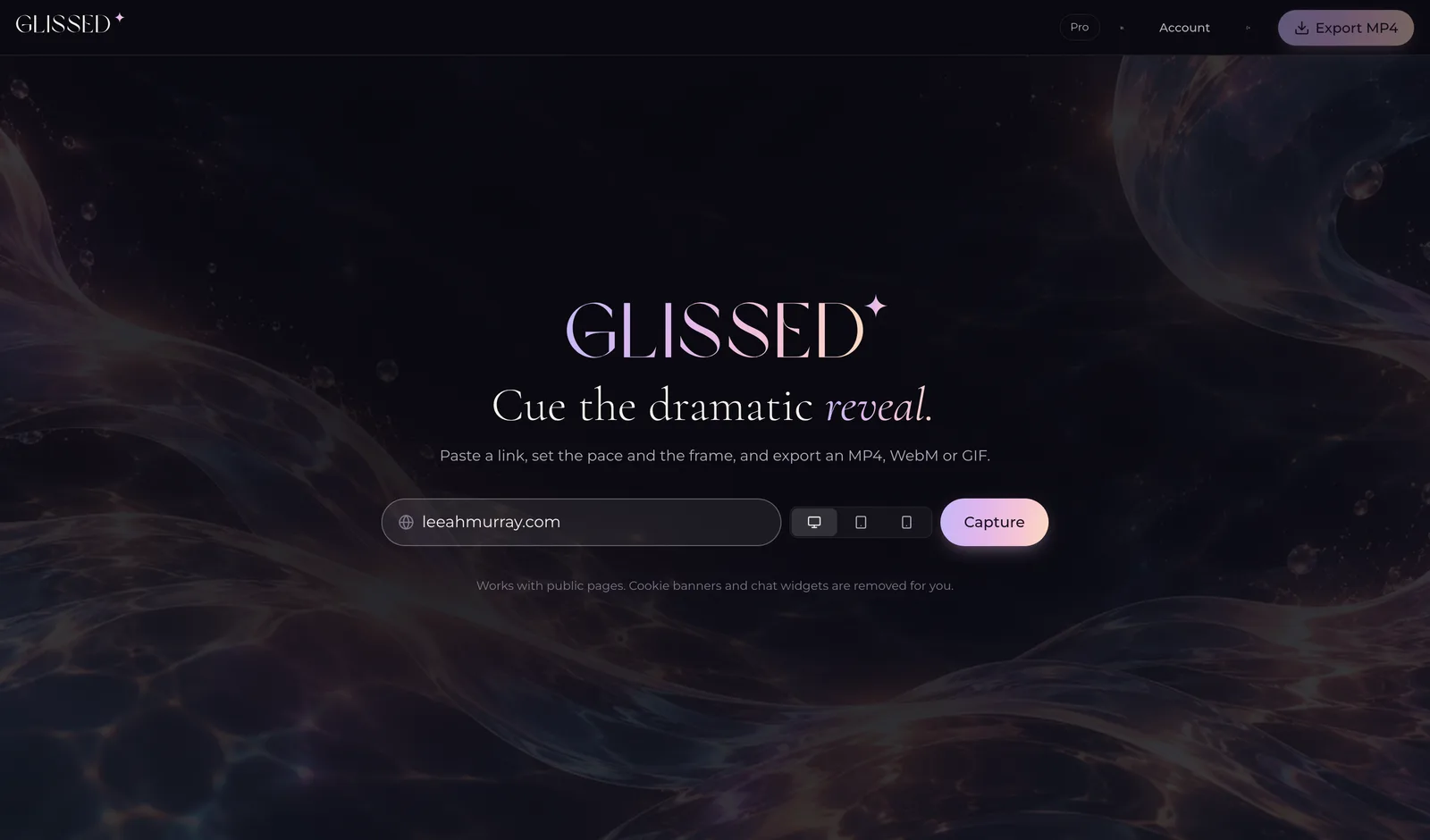
Cue the dramatic reveal.
Turn websites, prototypes and anything with a link into polished, scroll-stopping videos.
Free to start · 10 free credits a month · no card needed
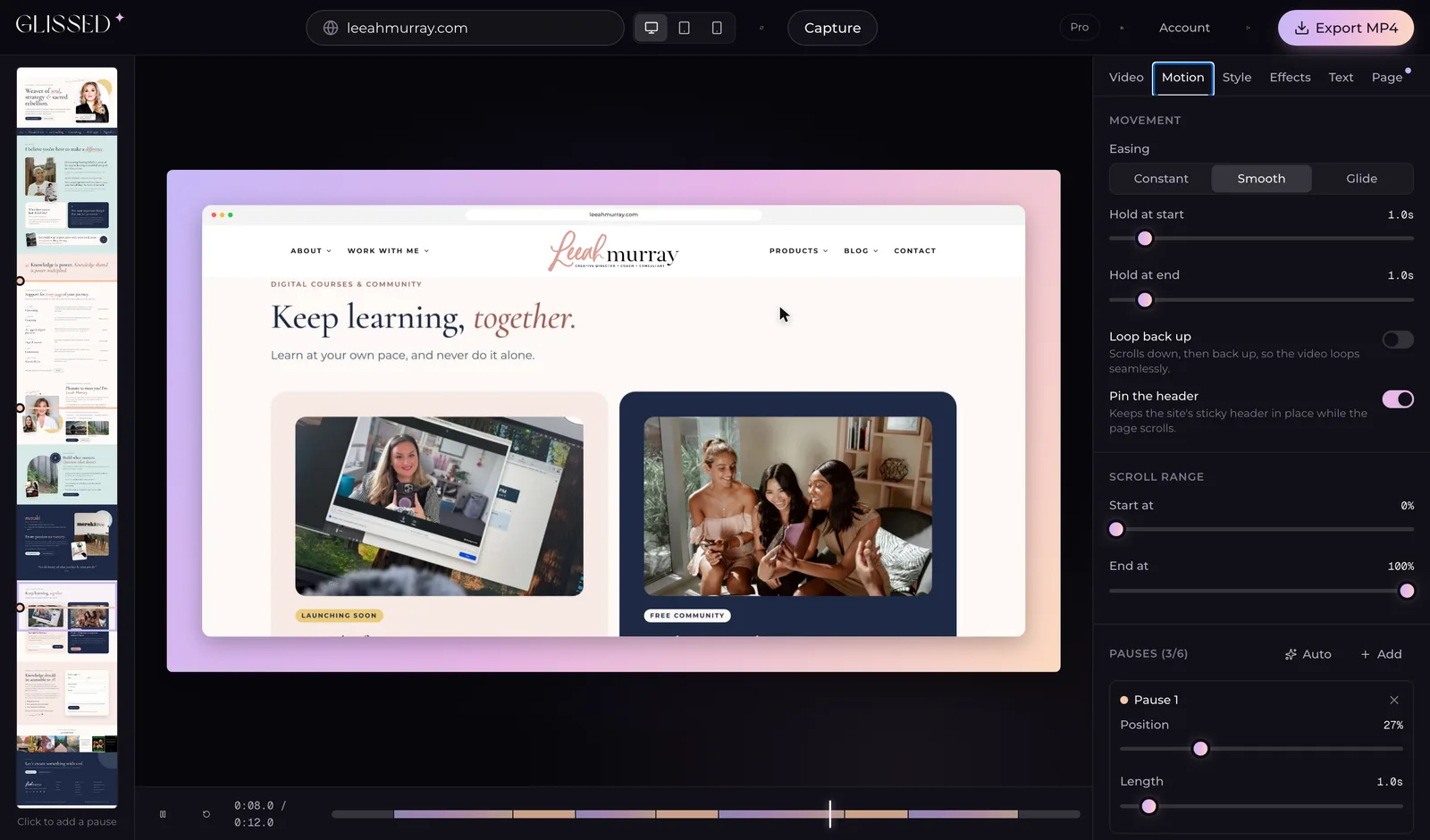
Cinematic movement
Eased, stop-and-go motion.
Smart pauses
Stops at every section.
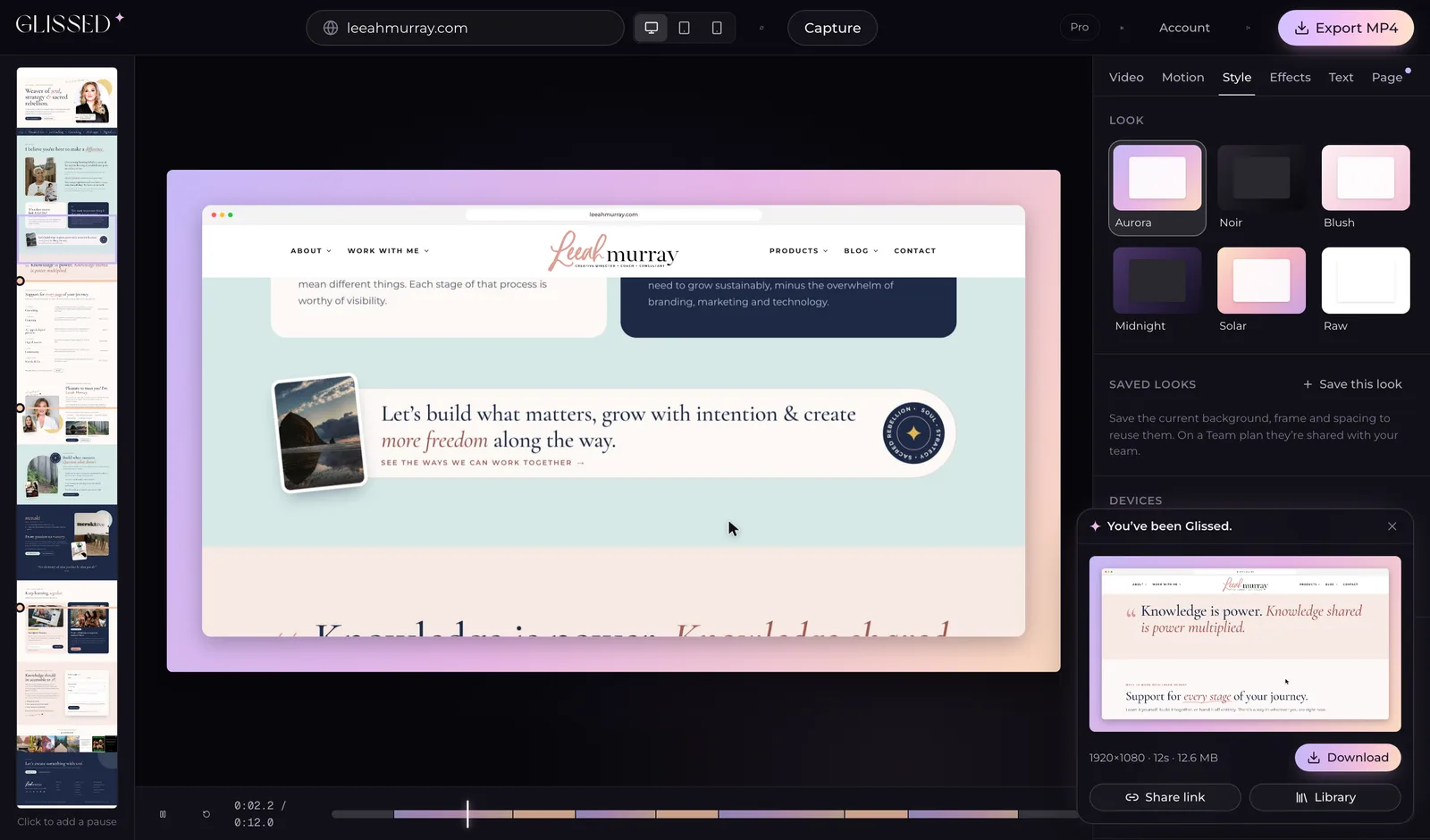
Beautiful exports
4K MP4, WebM or GIF.
Made for sharing
Every social size.
Make it a moment.
Glissed captures your page, adds the motion and the polish, and hands you a video. No editing experience required.

Paste a link
Any public page: sites, prototypes, launches.

Add motion
Smooth scrolling with pauses where it matters.

Choose a style
Ready-made looks that just work.

Customize
Frames, colors, padding and pace.

Export in minutes
MP4 up to 4K, WebM or GIF.

Share anywhere
Socials, decks, portfolios and clients.
Show off what you’ve built.
Websites. Web apps. Shops. Portfolios. If it has a link, you can Gliss it.


Beautiful by default.
Flexible by design.
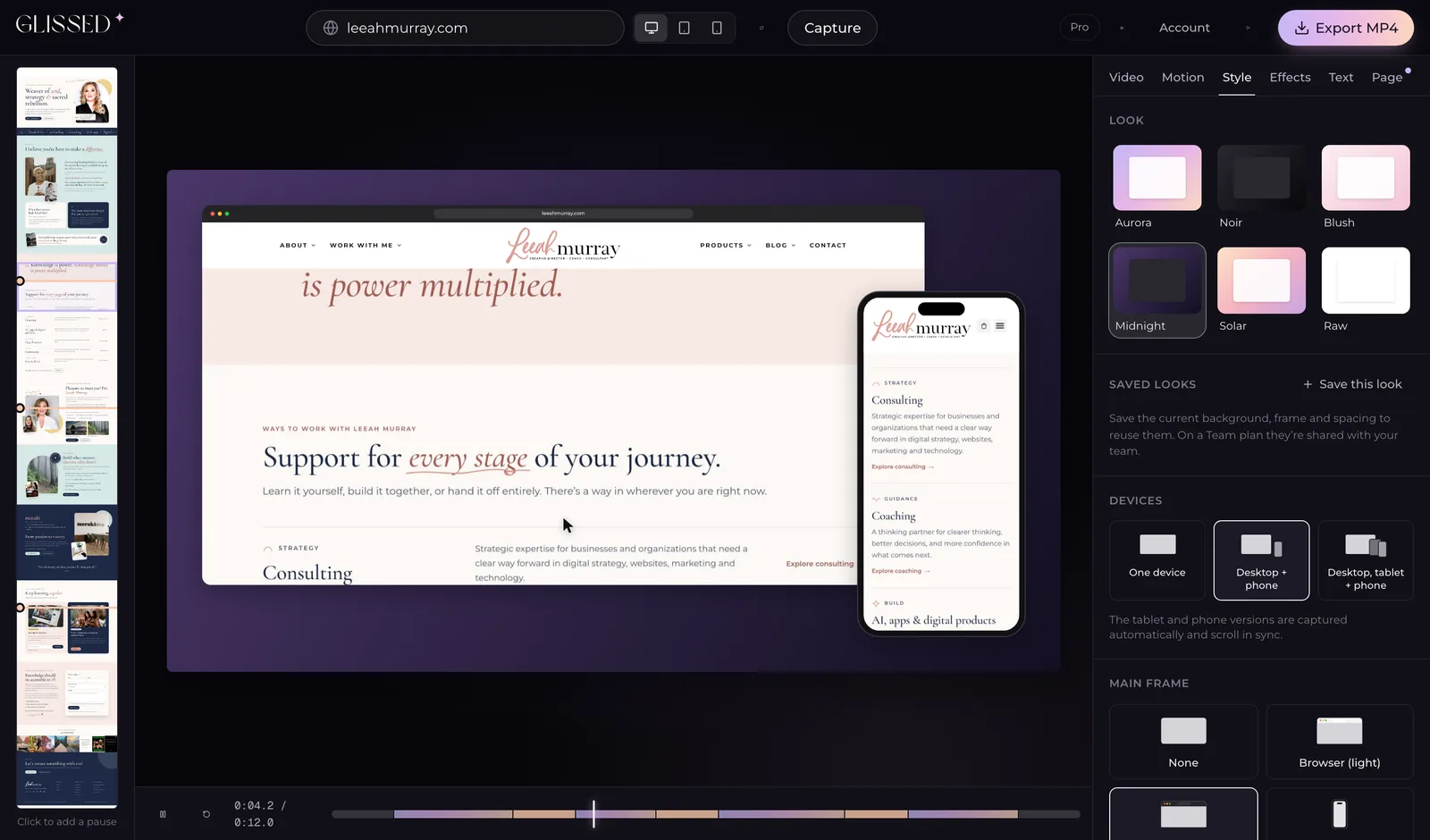
Start from a curated look, or make your own. Change the frame, the background, the pace and the aspect ratio, and see it update live before you export.
- Cinematic easing
- Browser and phone frames
- Pinned sticky headers
- MP4, WebM or GIF
- Cursor highlights
- Titles & callouts
- Music, synced to the beat
- Auto focus zoom
- Multiple aspect ratios16:99:161:14:5
- Up to 4KPRO
- Your own logoPRO
- Live capturePRO
- No watermarkPRO
PROfeatures unlock with any plan or credit pack.

Turn your work into something people feel.
Because the details matter. Your work deserves to be seen, remembered and shared.
Simple, transparent pricing.
Every export costs credits. Get them monthly with a plan, or buy a pack once. No subscription needed.
Free
$0
No card required
- 10 credits every month
- Every style, device and effect
- Up to 1080p, with a small Glissed mark
Pro
$12/ month
6¢ a credit
- 200 credits a month
- Unused credits roll over for 2 months
- No watermark, your logo, 4K and live capture
- API and GitHub Action
Team
$29/ month
4.8¢ a credit
- 600 credits a month, shared across 3 seats
- Unused credits roll over for 2 months
- No watermark, your logo, 4K and live capture
- API and GitHub Action
- Shared projects, looks, logos and music
Need more than 5 seats? Contact us
Start a team planJust need a few?
Buy credits once, no subscription. They never expire and unlock everything: no watermark, your logo, 4K and live capture.
What does a video cost?
1 credit per 10 seconds at up to 1080p. 4K, 60 fps, live capture and extra devices cost more. Failed exports are refunded.
- 15 s at 1080p
- 2 credits
- 15 s at 1080p, 60 fps
- 3 credits
- 20 s, desktop + phone
- 3 credits
- 30 s in 4K, 60 fps
- 14 credits
Frequently asked questions.
What is Glissed?
Glissed turns a web page into a smooth scrolling video. Paste a link, set the pace, pauses and frame, and export a video you can post anywhere.
Do I need editing experience?
No. The defaults look good out of the box, and every setting previews live, so you can see exactly what you'll get before you export.
What can I export?
MP4 up to 4K at 24, 30 or 60 fps; WebM with a transparent background; or GIF up to 720p. Aspect ratios from 16:9 to 9:16, plus square and 4:5.
Is there a free plan?
Yes. You get 10 free credits every month, enough for a few short videos, no card required. Videos made with free credits carry a small Glissed mark.
How do credits work?
Every export costs credits: 1 for every 10 seconds of video at up to 1080p, more for 4K, 60 fps, live capture or extra devices. The studio shows the cost before you export. Get credits every month with Pro or Team, or buy a pack once without subscribing. Pack credits never expire, plan credits roll over for two months, and failed exports are refunded automatically.
Can I use my own branding?
Yes. Add your logo, choose where it sits, and set your own backgrounds and frames. Videos made with credits from a plan or a pack have no Glissed mark.
Does it work with pages behind a login?
Not yet. Glissed captures public pages. A browser extension for logged-in pages, staging sites and localhost is on the way.
Can I use it for client work?
Absolutely. The videos you make are yours to use for clients, launches, portfolios and pitches.
